Assessment Operations Guide & Room Plan for K–12 Schools

Sale Price: $15.00 Original Price: $19.00

The Assessment Operations Guide & Room Plan is a practical, implementation-ready Quick Tool designed to help K–12 school operations teams plan and execute testing week with clarity, calm, and confidence.

Built for schools navigating high-stakes testing windows—often with limited staffing or competing priorities—this tool provides a clear structure for coordinating rooms, staffing, accommodations, materials flow, and daily execution. It helps teams move away from last-minute workarounds and toward consistent, repeatable practices that protect equity, reduce disruption, and keep testing days running smoothly for students and staff.

This resource is not about perfection. It is about having a shared, visible plan that prevents surprises and reduces stress during one of the most operationally complex weeks of the school year.

Recommended Owner

  • Testing Coordinator

  • Assistant Principal

  • Director of School Operations / Operations Manager

What’s Included

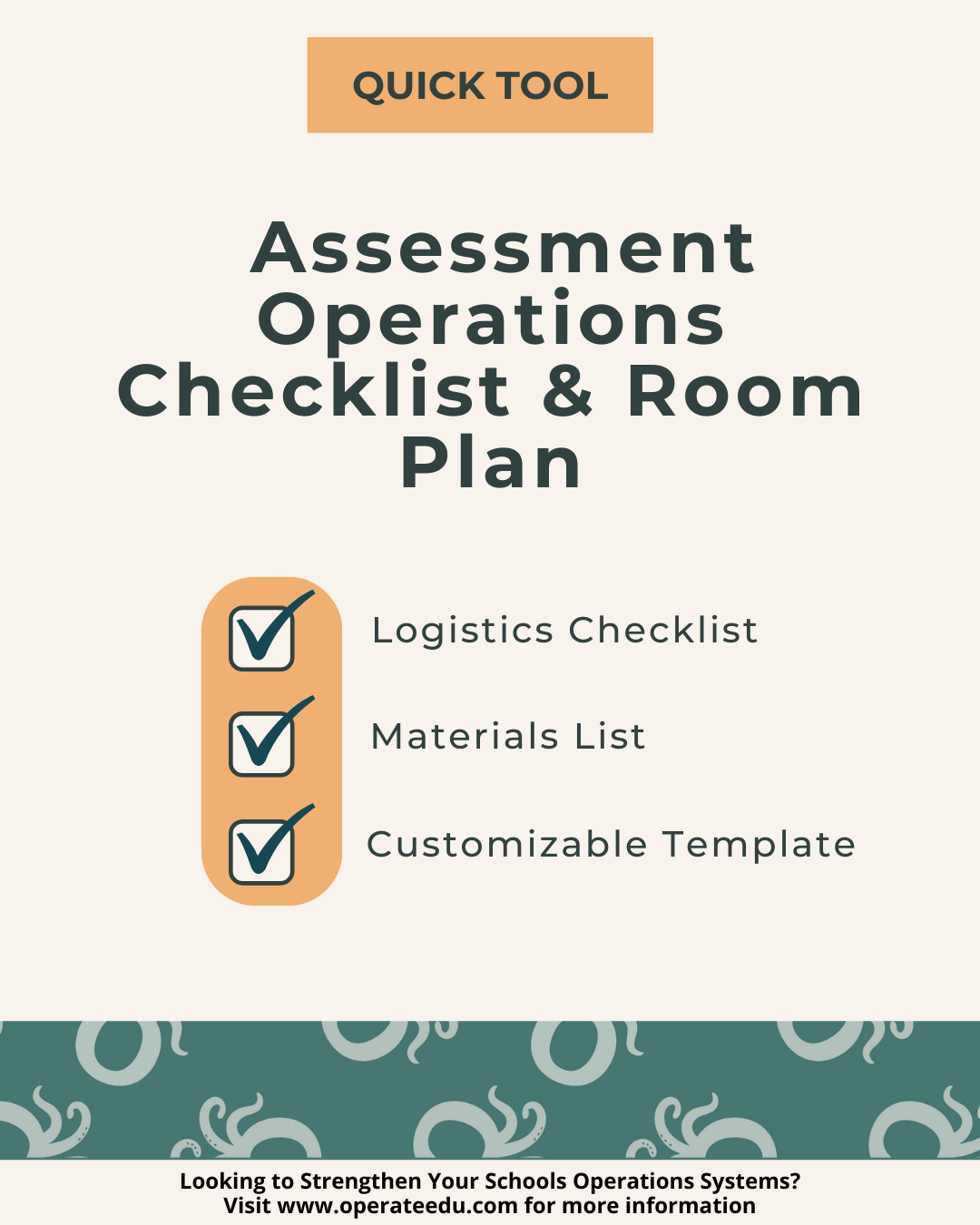
  • Assessment Operations Guide (before testing week, testing week, and make-up planning)

  • Minimum Viable Testing Plan (30-minute stabilization version)

  • Testing Week-at-a-Glance leadership snapshot

  • Detailed room plan for standard and accommodation testing rooms

  • Daily testing run-of-show with roles and timing

  • Make-up testing tracking plan

  • Incident and irregularity log

  • Testing bins and materials flow guidance

Expected Outcomes

Schools using this resource can expect:

  • Clear, shared visibility into the full testing week across leadership and operations teams

  • Reduced day-of disruptions, staff confusion, and last-minute decision-making

  • Stronger protection of student accommodations, equity, and testing integrity

The Assessment Operations Guide & Room Plan is a practical, implementation-ready Quick Tool designed to help K–12 school operations teams plan and execute testing week with clarity, calm, and confidence.

Built for schools navigating high-stakes testing windows—often with limited staffing or competing priorities—this tool provides a clear structure for coordinating rooms, staffing, accommodations, materials flow, and daily execution. It helps teams move away from last-minute workarounds and toward consistent, repeatable practices that protect equity, reduce disruption, and keep testing days running smoothly for students and staff.

This resource is not about perfection. It is about having a shared, visible plan that prevents surprises and reduces stress during one of the most operationally complex weeks of the school year.

Recommended Owner

  • Testing Coordinator

  • Assistant Principal

  • Director of School Operations / Operations Manager

What’s Included

  • Assessment Operations Guide (before testing week, testing week, and make-up planning)

  • Minimum Viable Testing Plan (30-minute stabilization version)

  • Testing Week-at-a-Glance leadership snapshot

  • Detailed room plan for standard and accommodation testing rooms

  • Daily testing run-of-show with roles and timing

  • Make-up testing tracking plan

  • Incident and irregularity log

  • Testing bins and materials flow guidance

Expected Outcomes

Schools using this resource can expect:

  • Clear, shared visibility into the full testing week across leadership and operations teams

  • Reduced day-of disruptions, staff confusion, and last-minute decision-making

  • Stronger protection of student accommodations, equity, and testing integrity

  • Built for Google Workspace
    All OperateEDU tools are created in Google Docs, Sheets, or Slides.
    You’ll need a Google account to access and edit your files.

    Downloadable Word and Excel links are included, but not recommended.

    Digital Products Only
    You’ll receive a digital file link — no physical items will be mailed.

    Single-School License
    Your purchase grants use within your school or organization only.
    Files may not be shared, resold, or distributed externally.

    Final Sale Policy
    Because our products are digital and immediately accessible, all sales are final and non-refundable.

    OperateEDU tools are designed for K–12 operations teams. Basic Google Workspace knowledge is recommended for customization.

    After You Download — Please Note

    Step 1 — Purchase & Download
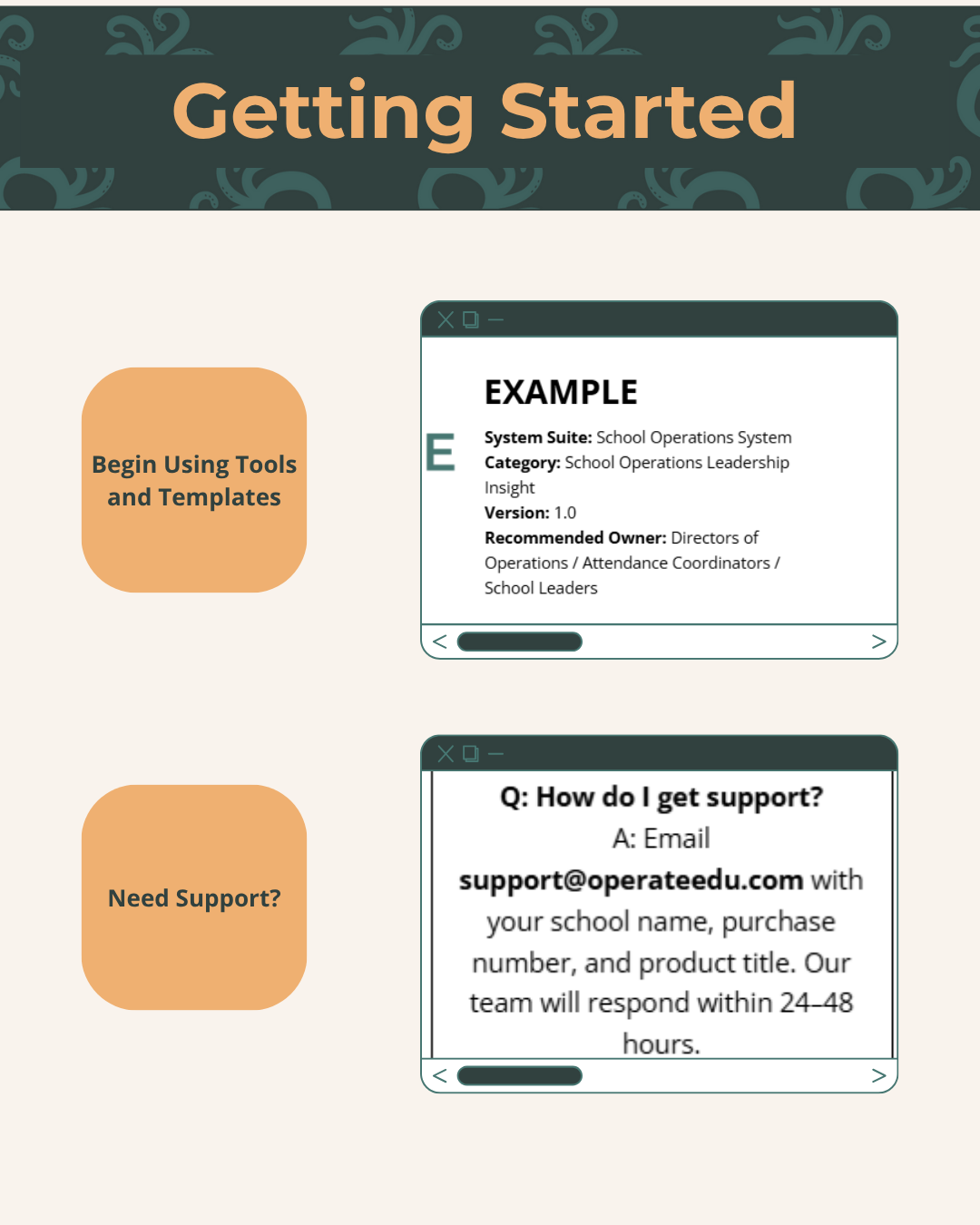
    After checkout, you’ll receive a Google Workspace access dashboard pdf with all included tools.

    Step 2 — Click “Use Template” or “Make a Copy”
    Open your preferred file (Docs, Sheets, or Slides) and click “Use Template” or “Make a Copy” to create your school’s version.

    Step 3 — Save to Your Shared Drive
    Store your copied file in a shared Google Drive folder for your team to collaborate.

    Step 4 — Put It Into Action
    Start using your new system! Every OperateEDU tool includes guidance and example data to help you get started fast.

  • Step 1 — Purchase & Download
    After checkout, you’ll receive a Google Workspace access dashboard pdf with all included tools.

    Step 2 — Click “Use Template” or “Make a Copy”
    Open your preferred file (Docs, Sheets, or Slides) and click “Use Template” or “Make a Copy” to create your school’s version.

    Step 3 — Save to Your Shared Drive
    Store your copied file in a shared Google Drive folder for your team to collaborate.

    Step 4 — Put It Into Action
    Start using your new system! Every OperateEDU tool includes guidance and example data to help you get started fast.