Mid-Year Ops Reset Checklist for K–12 Schools

Sale Price: $12.00 Original Price: $15.00

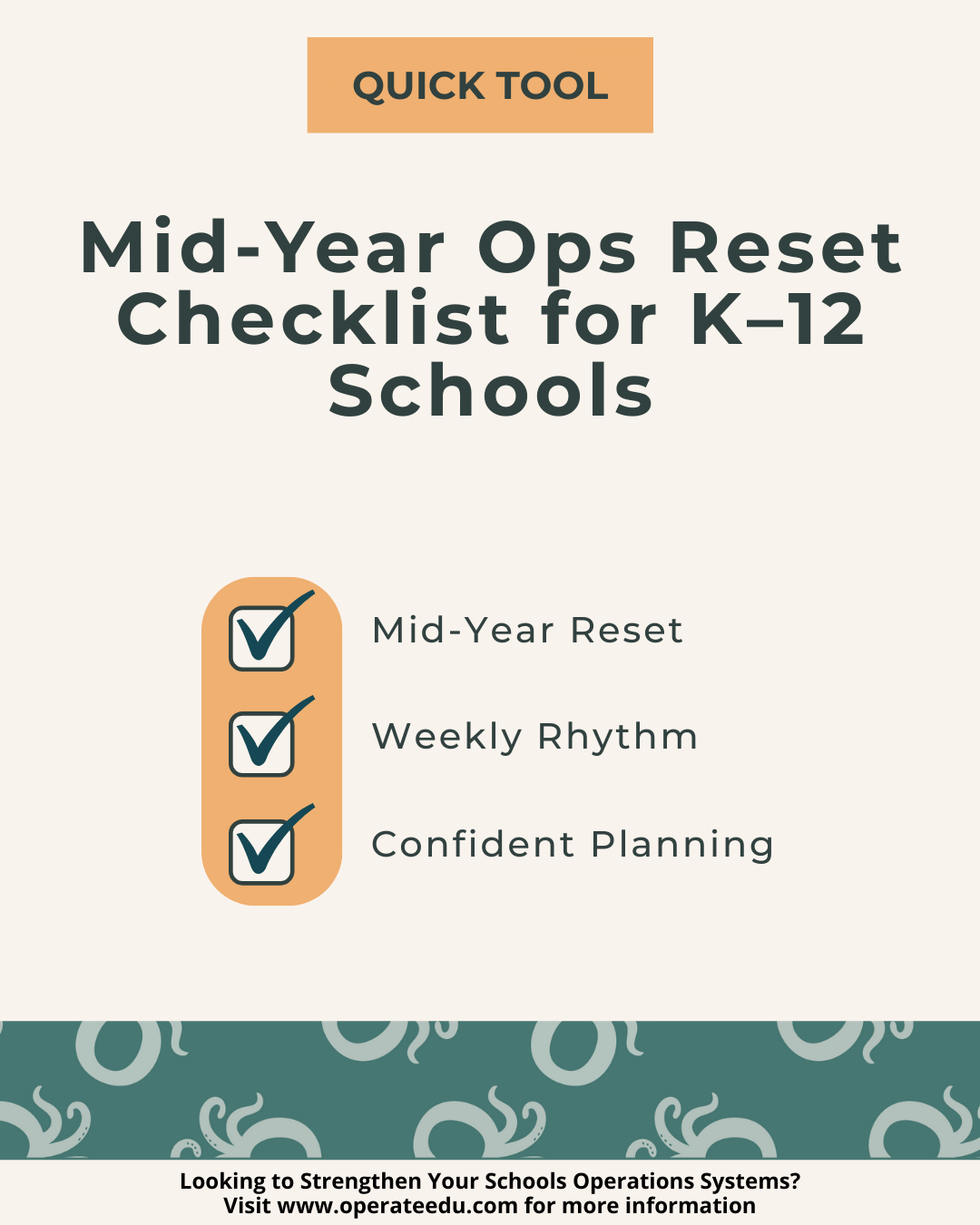
The Mid-Year Ops Reset Checklist is a practical, implementation-ready resource designed to help K–12 school operations teams re-ground their core systems after winter break and regain a steady, sustainable rhythm for the spring semester.

Built for schools navigating mid-year fatigue, staffing shifts, and mounting spring demands, this Quick Tool breaks the reset process into small, manageable steps across four weeks. Instead of trying to “fix everything,” teams focus on stabilizing essentials—front office flow, attendance outreach, safety readiness, student records, facilities, and spring planning—without overwhelm.

This checklist is especially effective for new or stretched Operations Coordinators and anyone covering multiple roles. It prioritizes progress over perfection, helping teams reduce dropped balls, create consistent weekly routines, and move into spring with clarity and confidence.

Recommended Owner

  • Operations Coordinator

  • Operations Manager

  • Assistant Principal

What’s Included

  • Today / First 30 Minutes Reset Checklist

  • Week 1 Front Office Stabilization Checklist

  • Attendance & Family Outreach Reset Checklist

  • Week 2 Safety & Readiness Checklist

  • Student Records & Enrollment Rhythm Checklist

  • Week 3 Facilities & Supplies Reset Checklist

  • Week 4 Spring Readiness Planning Checklist

  • Ongoing Weekly Operations Rhythm Guide

Expected Outcomes

Schools using this resource can expect:

  • A clear, repeatable weekly operations routine within the first two weeks

  • Fewer dropped tasks, missed follow-ups, and front-office disruptions

  • Stronger equity, access, and consistency across family-facing systems

The Mid-Year Ops Reset Checklist is a practical, implementation-ready resource designed to help K–12 school operations teams re-ground their core systems after winter break and regain a steady, sustainable rhythm for the spring semester.

Built for schools navigating mid-year fatigue, staffing shifts, and mounting spring demands, this Quick Tool breaks the reset process into small, manageable steps across four weeks. Instead of trying to “fix everything,” teams focus on stabilizing essentials—front office flow, attendance outreach, safety readiness, student records, facilities, and spring planning—without overwhelm.

This checklist is especially effective for new or stretched Operations Coordinators and anyone covering multiple roles. It prioritizes progress over perfection, helping teams reduce dropped balls, create consistent weekly routines, and move into spring with clarity and confidence.

Recommended Owner

  • Operations Coordinator

  • Operations Manager

  • Assistant Principal

What’s Included

  • Today / First 30 Minutes Reset Checklist

  • Week 1 Front Office Stabilization Checklist

  • Attendance & Family Outreach Reset Checklist

  • Week 2 Safety & Readiness Checklist

  • Student Records & Enrollment Rhythm Checklist

  • Week 3 Facilities & Supplies Reset Checklist

  • Week 4 Spring Readiness Planning Checklist

  • Ongoing Weekly Operations Rhythm Guide

Expected Outcomes

Schools using this resource can expect:

  • A clear, repeatable weekly operations routine within the first two weeks

  • Fewer dropped tasks, missed follow-ups, and front-office disruptions

  • Stronger equity, access, and consistency across family-facing systems

  • Built for Google Workspace
    All OperateEDU tools are created in Google Docs, Sheets, or Slides.
    You’ll need a Google account to access and edit your files.

    Downloadable Word and Excel links are included, but not recommended.

    Digital Products Only
    You’ll receive a digital file link — no physical items will be mailed.

    Single-School License
    Your purchase grants use within your school or organization only.
    Files may not be shared, resold, or distributed externally.

    Final Sale Policy
    Because our products are digital and immediately accessible, all sales are final and non-refundable.

    OperateEDU tools are designed for K–12 operations teams. Basic Google Workspace knowledge is recommended for customization.

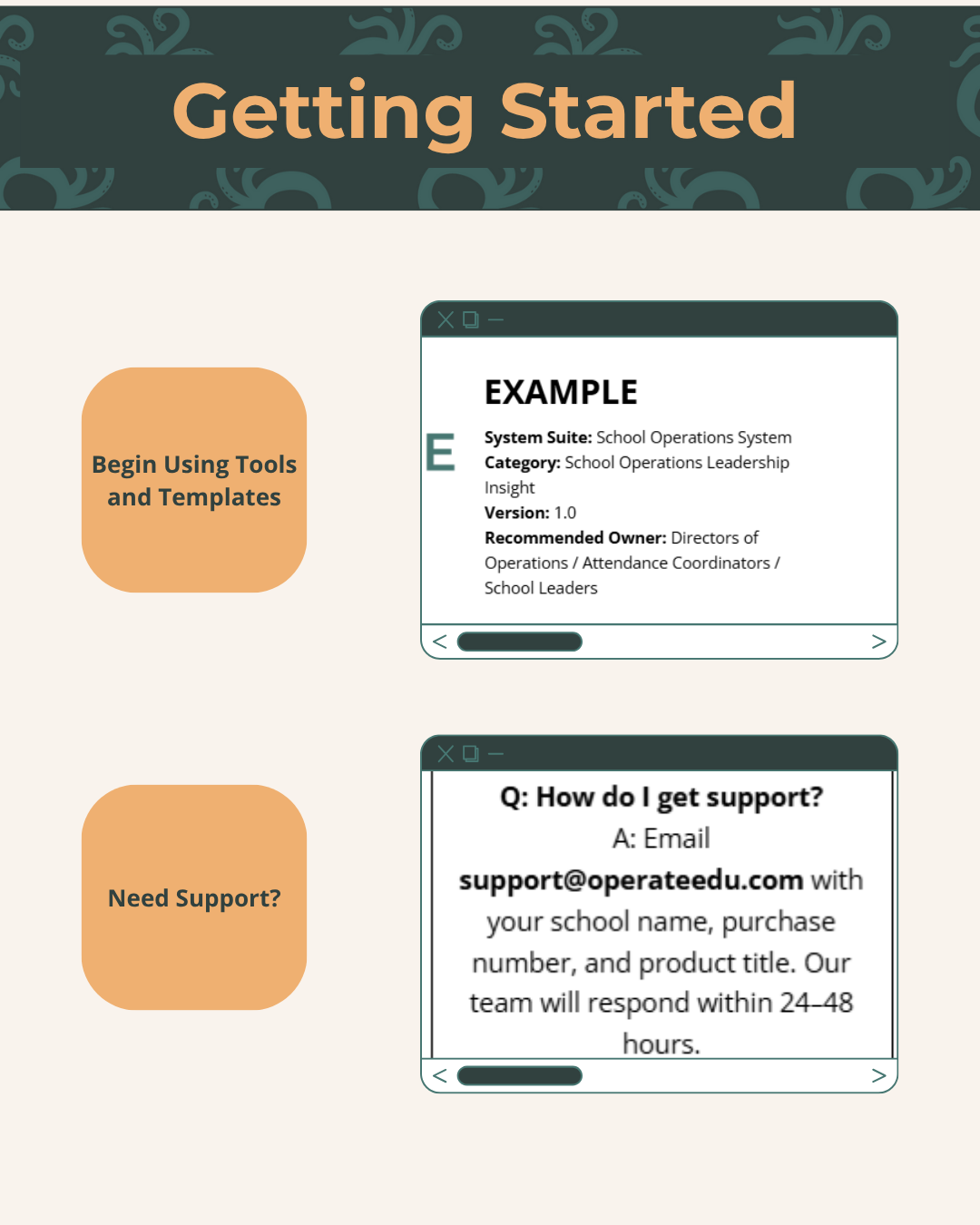
  • Step 1 — Purchase & Download
    After checkout, you’ll receive a Google Workspace access dashboard pdf with all included tools.

    Step 2 — Click “Use Template” or “Make a Copy”
    Open your preferred file (Docs, Sheets, or Slides) and click “Use Template” or “Make a Copy” to create your school’s version.

    Step 3 — Save to Your Shared Drive
    Store your copied file in a shared Google Drive folder for your team to collaborate.

    Step 4 — Put It Into Action
    Start using your new system! Every OperateEDU tool includes guidance and example data to help you get started fast.