New Student Enrollment Intake Toolkit for K-12 Schools

Sale Price: $30.00 Original Price: $40.00

The New Student Intake Toolkit is a comprehensive, implementation-ready resource designed to help K–12 school operations teams manage the full new student enrollment cycle with clarity, consistency, and care.

Built for front office and operations teams navigating multiple enrollments at once, this Toolkit provides a clear, people-centered flow from application receipt through a student’s first day of school. It replaces guesswork, memory-based processes, and scattered follow-ups with a structured system that defines what to do, when to do it, how to communicate with families, and how to document completion and ownership at every stage of intake.

Recommended Owner

  • Front Office Staff

  • Operations Coordinators

What’s Included

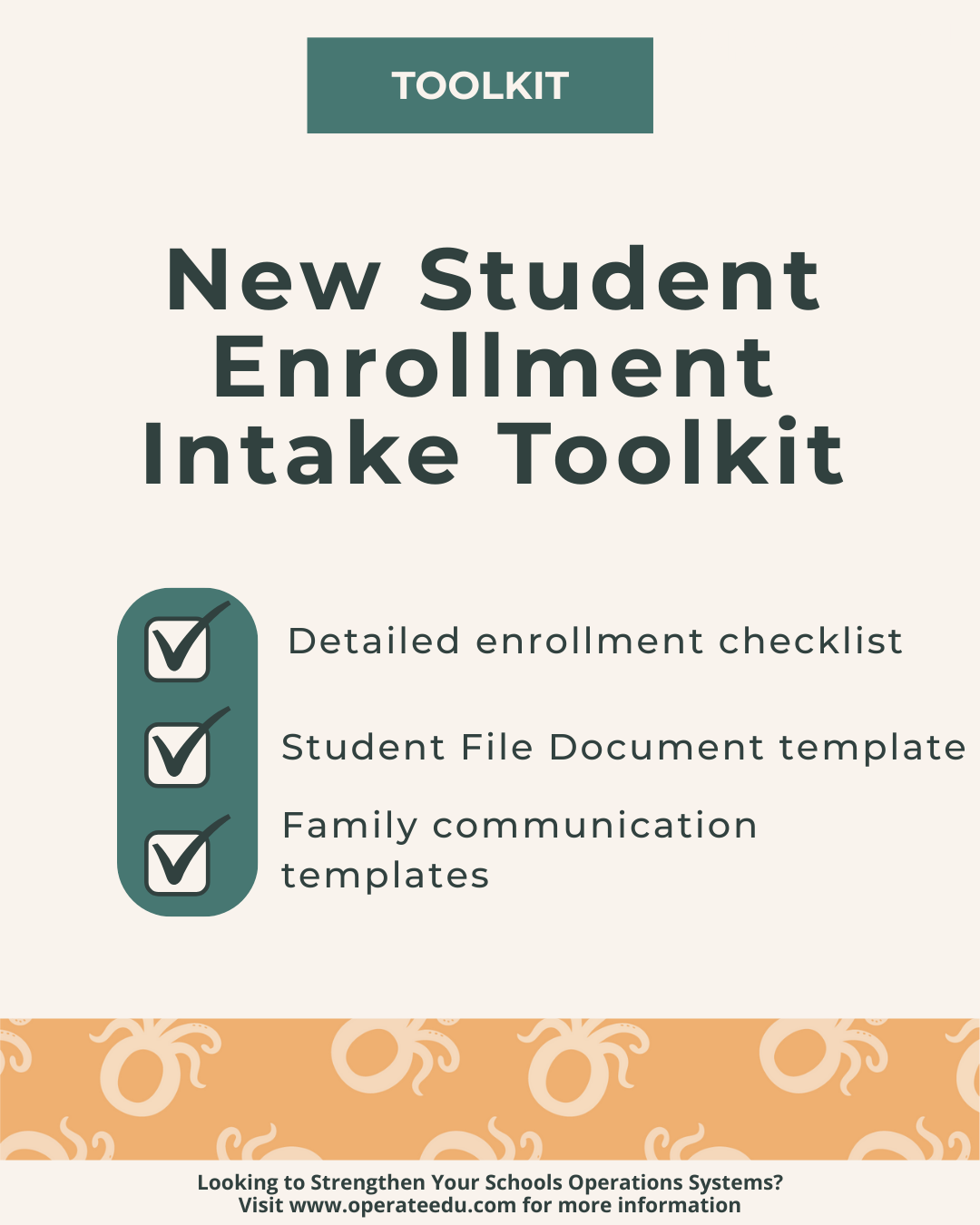
  • Detailed New Student Enrollment Checklist covering pre-enrollment, during enrollment, and post-enrollment steps

  • Document Verification Page designed to live in each student’s physical or digital file

  • Family Communication Templates with pre-enrollment, during enrollment, and post-enrollment message templates

Expected Outcomes

Schools using this resource can expect:

  • Reduced enrollment errors and rework

  • Improved follow-through, documentation, and ownership

  • A calmer, more organized front office experience

  • Clear, respectful communication with families

  • Students set up for success from day one

The New Student Intake Toolkit is a comprehensive, implementation-ready resource designed to help K–12 school operations teams manage the full new student enrollment cycle with clarity, consistency, and care.

Built for front office and operations teams navigating multiple enrollments at once, this Toolkit provides a clear, people-centered flow from application receipt through a student’s first day of school. It replaces guesswork, memory-based processes, and scattered follow-ups with a structured system that defines what to do, when to do it, how to communicate with families, and how to document completion and ownership at every stage of intake.

Recommended Owner

  • Front Office Staff

  • Operations Coordinators

What’s Included

  • Detailed New Student Enrollment Checklist covering pre-enrollment, during enrollment, and post-enrollment steps

  • Document Verification Page designed to live in each student’s physical or digital file

  • Family Communication Templates with pre-enrollment, during enrollment, and post-enrollment message templates

Expected Outcomes

Schools using this resource can expect:

  • Reduced enrollment errors and rework

  • Improved follow-through, documentation, and ownership

  • A calmer, more organized front office experience

  • Clear, respectful communication with families

  • Students set up for success from day one

  • Built for Google Workspace
    All OperateEDU tools are created in Google Docs, Sheets, or Slides.
    You’ll need a Google account to access and edit your files.

    Downloadable Word and Excel links are included, but not recommended.

    Digital Products Only
    You’ll receive a digital file link — no physical items will be mailed.

    Single-School License
    Your purchase grants use within your school or organization only.
    Files may not be shared, resold, or distributed externally.

    Final Sale Policy
    Because our products are digital and immediately accessible, all sales are final and non-refundable.

    OperateEDU tools are designed for K–12 operations teams. Basic Google Workspace knowledge is recommended for customization.

  • Step 1 — Purchase & Download
    After checkout, you’ll receive a Google Workspace access dashboard pdf with all included tools.

    Step 2 — Click “Use Template” or “Make a Copy”
    Open your preferred file (Docs, Sheets, or Slides) and click “Use Template” or “Make a Copy” to create your school’s version.

    Step 3 — Save to Your Shared Drive
    Store your copied file in a shared Google Drive folder for your team to collaborate.

    Step 4 — Put It Into Action
    Start using your new system! Every OperateEDU tool includes guidance and example data to help you get started fast.