Ops Team Management Quick Start for K–12 Schools (Freebie)

$0.00

The Ops Team Management Quick Start is a free, implementation-ready resource designed to help K–12 school operations leaders establish a clear and consistent daily rhythm for managing their teams. Built for Operations Managers and Directors of Operations navigating high-volume, high-visibility work, this tool provides a simple structure for opening the day, coordinating staff, tracking priorities, and closing out with reflection and follow-through. Instead of reactive management and scattered communication, teams operate from a shared cadence that supports accountability, transparency, and calm execution. This resource is designed for immediate use and can be customized to match a school’s schedule, staffing model, and communication norms while reinforcing people-centered, equity-driven team practices.

Recommended Owner

  • Operations Manager

  • Director of Operations

What’s Included

  • Ops Team Daily Rhythm Checklist

  • Role-Based Daily Actions for Operations Staff

  • 5-Minute Morning Huddle Structure

  • End-of-Day Reflection and Close-Out Routine

  • Quality Standards for Team Communication

  • Equity & Accessibility Review for Team Management

Expected Outcomes

Schools using this resource can expect:

  • More consistent team communication and daily follow-through

  • Reduced reactive management and message overload

  • Stronger accountability, clarity, and operational calm across the ops team

The Ops Team Management Quick Start is a free, implementation-ready resource designed to help K–12 school operations leaders establish a clear and consistent daily rhythm for managing their teams. Built for Operations Managers and Directors of Operations navigating high-volume, high-visibility work, this tool provides a simple structure for opening the day, coordinating staff, tracking priorities, and closing out with reflection and follow-through. Instead of reactive management and scattered communication, teams operate from a shared cadence that supports accountability, transparency, and calm execution. This resource is designed for immediate use and can be customized to match a school’s schedule, staffing model, and communication norms while reinforcing people-centered, equity-driven team practices.

Recommended Owner

  • Operations Manager

  • Director of Operations

What’s Included

  • Ops Team Daily Rhythm Checklist

  • Role-Based Daily Actions for Operations Staff

  • 5-Minute Morning Huddle Structure

  • End-of-Day Reflection and Close-Out Routine

  • Quality Standards for Team Communication

  • Equity & Accessibility Review for Team Management

Expected Outcomes

Schools using this resource can expect:

  • More consistent team communication and daily follow-through

  • Reduced reactive management and message overload

  • Stronger accountability, clarity, and operational calm across the ops team

  • Built for Google Workspace
    All OperateEDU tools are created in Google Docs, Sheets, or Slides.
    You’ll need a Google account to access and edit your files.

    Downloadable Word and Excel links are included, but not recommended.

    Digital Products Only
    You’ll receive a digital file link — no physical items will be mailed.

    Single-School License
    Your purchase grants use within your school or organization only.
    Files may not be shared, resold, or distributed externally.

    Final Sale Policy
    Because our products are digital and immediately accessible, all sales are final and non-refundable.

    OperateEDU tools are designed for K–12 operations teams. Basic Google Workspace knowledge is recommended for customization.

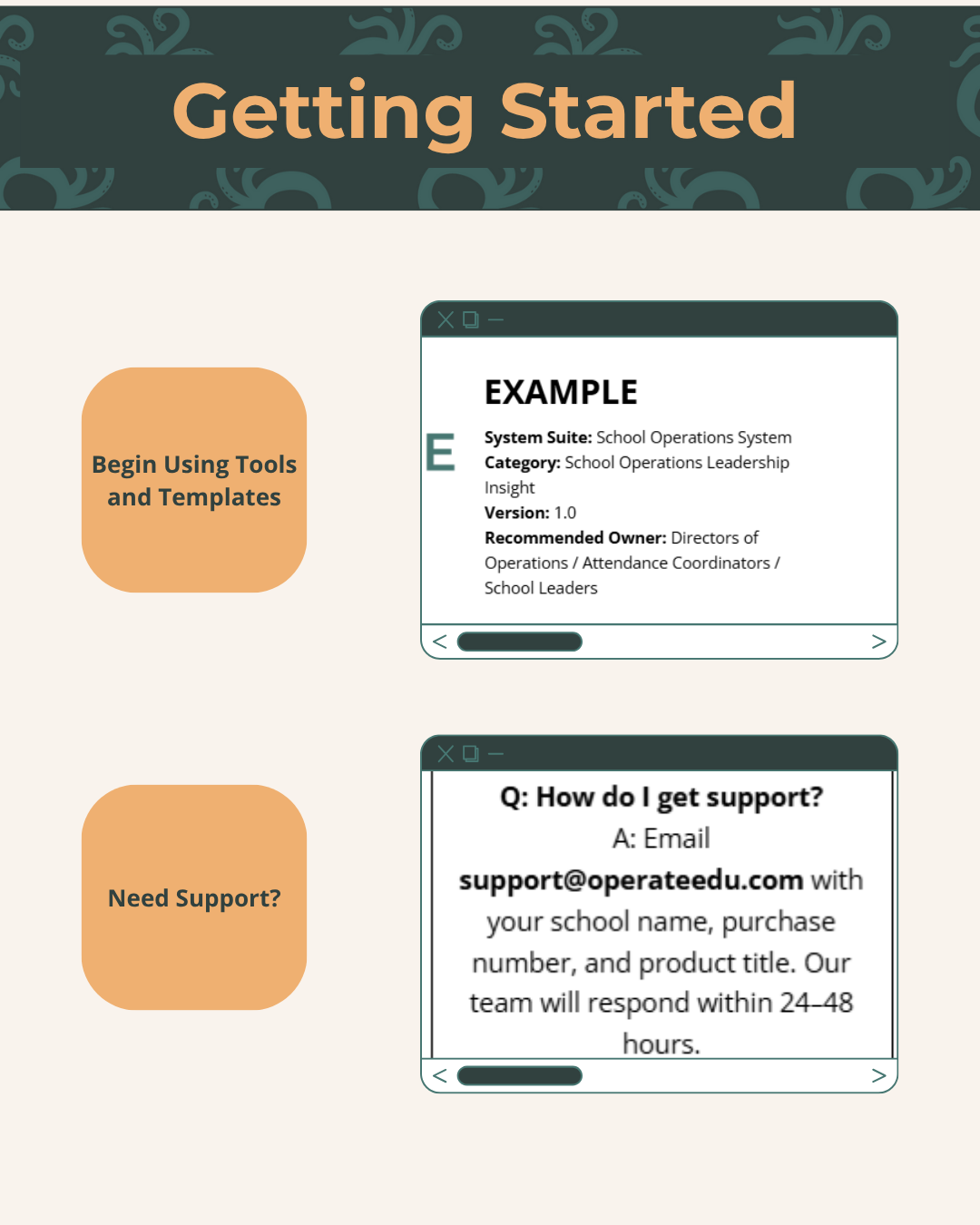
  • Step 1 — Purchase & Download
    After checkout, you’ll receive a Google Workspace access dashboard pdf with all included tools.

    Step 2 — Click “Use Template” or “Make a Copy”
    Open your preferred file (Docs, Sheets, or Slides) and click “Use Template” or “Make a Copy” to create your school’s version.

    Step 3 — Save to Your Shared Drive
    Store your copied file in a shared Google Drive folder for your team to collaborate.

    Step 4 — Put It Into Action
    Start using your new system! Every OperateEDU tool includes guidance and example data to help you get started fast.