School Incident Response Quick Guide for K-12 Schools (Freebie)

$0.00

The School Incident Response Quick Guide is a concise, implementation-ready Free Resource designed to help K–12 school staff respond calmly and consistently to non-emergency incidents that occur during the school day.

Built as a quick-reference tool for daily use, this guide helps staff distinguish between incidents and emergencies, determine appropriate next steps, understand when to escalate concerns, and document incidents accurately while protecting student safety and dignity. Rather than relying on uncertainty or inconsistent judgment, staff can use this guide to follow clear expectations aligned with school leadership direction.

Designed to complement formal emergency procedures, this resource supports predictable adult behavior, reduces staff stress, and promotes consistent follow-through for everyday safety and operational issues.

Recommended Owner

  • Operations Manager / Director of Operations

  • Principal

  • School Leadership Team

  • Instructional & Support Staff (as end users)

What’s Included

  • Definition of incidents vs. emergencies

  • List of common school incidents

  • General response expectations for staff

  • Clear escalation guidance

  • Documentation and follow-up expectations

  • Family communication boundaries

Expected Outcomes

Schools using this resource can expect:

  • Clear, shared understanding of how to respond to non-emergency incidents

  • More consistent staff actions during daily safety or behavioral issues

  • Timely escalation when situations become unsafe

  • Improved documentation and follow-up

  • Reduced staff stress and uncertainty

The School Incident Response Quick Guide is a concise, implementation-ready Free Resource designed to help K–12 school staff respond calmly and consistently to non-emergency incidents that occur during the school day.

Built as a quick-reference tool for daily use, this guide helps staff distinguish between incidents and emergencies, determine appropriate next steps, understand when to escalate concerns, and document incidents accurately while protecting student safety and dignity. Rather than relying on uncertainty or inconsistent judgment, staff can use this guide to follow clear expectations aligned with school leadership direction.

Designed to complement formal emergency procedures, this resource supports predictable adult behavior, reduces staff stress, and promotes consistent follow-through for everyday safety and operational issues.

Recommended Owner

  • Operations Manager / Director of Operations

  • Principal

  • School Leadership Team

  • Instructional & Support Staff (as end users)

What’s Included

  • Definition of incidents vs. emergencies

  • List of common school incidents

  • General response expectations for staff

  • Clear escalation guidance

  • Documentation and follow-up expectations

  • Family communication boundaries

Expected Outcomes

Schools using this resource can expect:

  • Clear, shared understanding of how to respond to non-emergency incidents

  • More consistent staff actions during daily safety or behavioral issues

  • Timely escalation when situations become unsafe

  • Improved documentation and follow-up

  • Reduced staff stress and uncertainty

  • Built for Google Workspace
    All OperateEDU tools are created in Google Docs, Sheets, or Slides.
    You’ll need a Google account to access and edit your files.

    Downloadable Word and Excel links are included, but not recommended.

    Digital Products Only
    You’ll receive a digital file link — no physical items will be mailed.

    Single-School License
    Your purchase grants use within your school or organization only.
    Files may not be shared, resold, or distributed externally.

    Final Sale Policy
    Because our products are digital and immediately accessible, all sales are final and non-refundable.

    OperateEDU tools are designed for K–12 operations teams. Basic Google Workspace knowledge is recommended for customization.

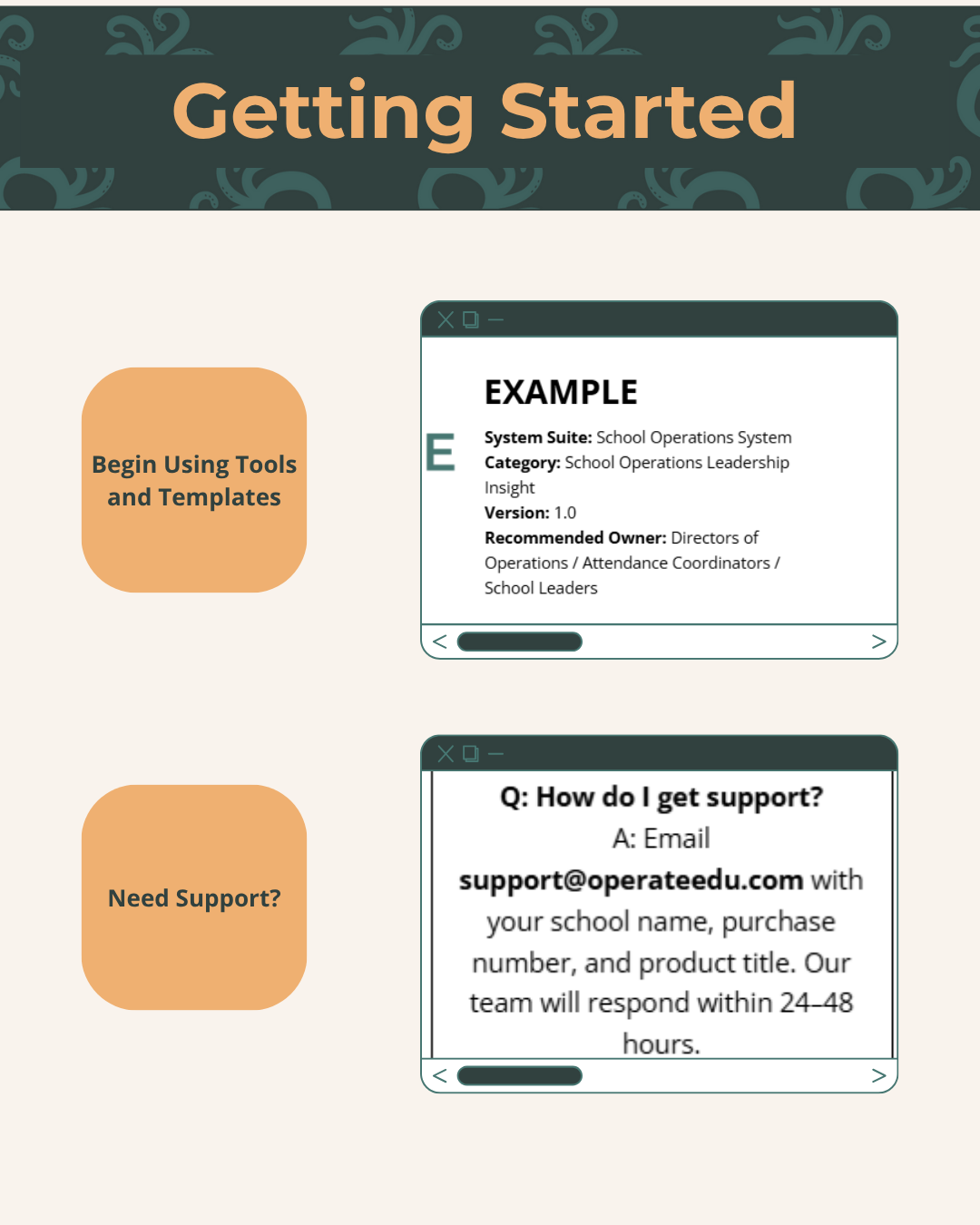
  • Step 1 — Purchase & Download
    After checkout, you’ll receive a Google Workspace access dashboardpdf with all included tools.

    Step 2 — Click “Use Template” or “Make a Copy”
    Open your preferred file (Docs, Sheets, or Slides) and click “Use Template” or “Make a Copy” to create your school’s version.

    Step 3 — Save to Your Shared Drive
    Store your copied file in a shared Google Drive folder for your team to collaborate.

    Step 4 — Put It Into Action
    Start using your new system! Every OperateEDU tool includes guidance and example data to help you get started fast.