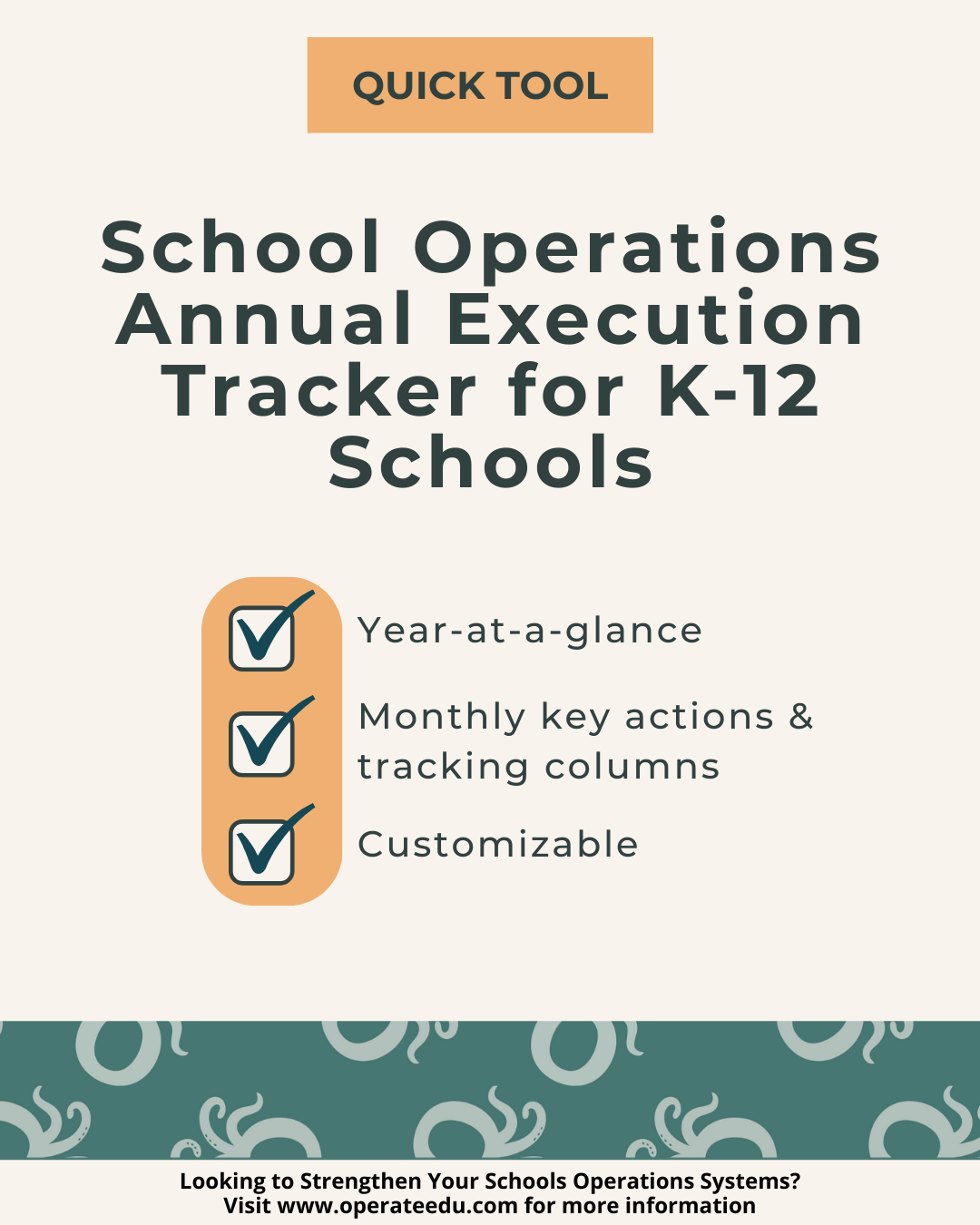
School Operations Annual Execution Tracker for K-12 Schools

Sale Price: $19.00 Original Price: $30.00

The School Operations Annual Execution Tracker is a focused, implementation-ready Quick Tool designed to help K–12 school operations teams plan, track, and execute critical operational work across the full school year.

Built for schools navigating competing priorities, seasonal deadlines, and limited capacity, this tool provides a clear, centralized structure for mapping annual responsibilities, monitoring progress, and maintaining accountability across months and roles. It supports operations teams in moving away from reactive, last-minute workflows and toward consistent, proactive execution that protects staff time, reduces errors, and strengthens schoolwide stability.

Designed for real-world school environments, the tracker helps teams see what’s coming, what’s in progress, and what’s complete—so nothing falls through the cracks during high-pressure moments.

Recommended Owner

  • Director of Operations

  • School Operations Manager

  • Operations Coordinator

What’s Included

  • Annual operations execution tracker (year-at-a-glance format)

  • Monthly planning and status-tracking columns

  • Task ownership and accountability fields

  • Progress monitoring and completion indicators

Expected Outcomes

Schools using this resource can expect:

  • Clear visibility into operational responsibilities across the full school year

  • Reduced missed deadlines, duplicated work, and last-minute scrambling

  • Stronger consistency and accountability across operations roles and seasons

The School Operations Annual Execution Tracker is a focused, implementation-ready Quick Tool designed to help K–12 school operations teams plan, track, and execute critical operational work across the full school year.

Built for schools navigating competing priorities, seasonal deadlines, and limited capacity, this tool provides a clear, centralized structure for mapping annual responsibilities, monitoring progress, and maintaining accountability across months and roles. It supports operations teams in moving away from reactive, last-minute workflows and toward consistent, proactive execution that protects staff time, reduces errors, and strengthens schoolwide stability.

Designed for real-world school environments, the tracker helps teams see what’s coming, what’s in progress, and what’s complete—so nothing falls through the cracks during high-pressure moments.

Recommended Owner

  • Director of Operations

  • School Operations Manager

  • Operations Coordinator

What’s Included

  • Annual operations execution tracker (year-at-a-glance format)

  • Monthly planning and status-tracking columns

  • Task ownership and accountability fields

  • Progress monitoring and completion indicators

Expected Outcomes

Schools using this resource can expect:

  • Clear visibility into operational responsibilities across the full school year

  • Reduced missed deadlines, duplicated work, and last-minute scrambling

  • Stronger consistency and accountability across operations roles and seasons

  • Built for Google Workspace
    All OperateEDU tools are created in Google Docs, Sheets, or Slides.
    You’ll need a Google account to access and edit your files.

    Downloadable Word and Excel links are included, but not recommended.

    Digital Products Only
    You’ll receive a digital file link — no physical items will be mailed.

    Single-School License
    Your purchase grants use within your school or organization only.
    Files may not be shared, resold, or distributed externally.

    Final Sale Policy
    Because our products are digital and immediately accessible, all sales are final and non-refundable.

    OperateEDU tools are designed for K–12 operations teams. Basic Google Workspace knowledge is recommended for customization.

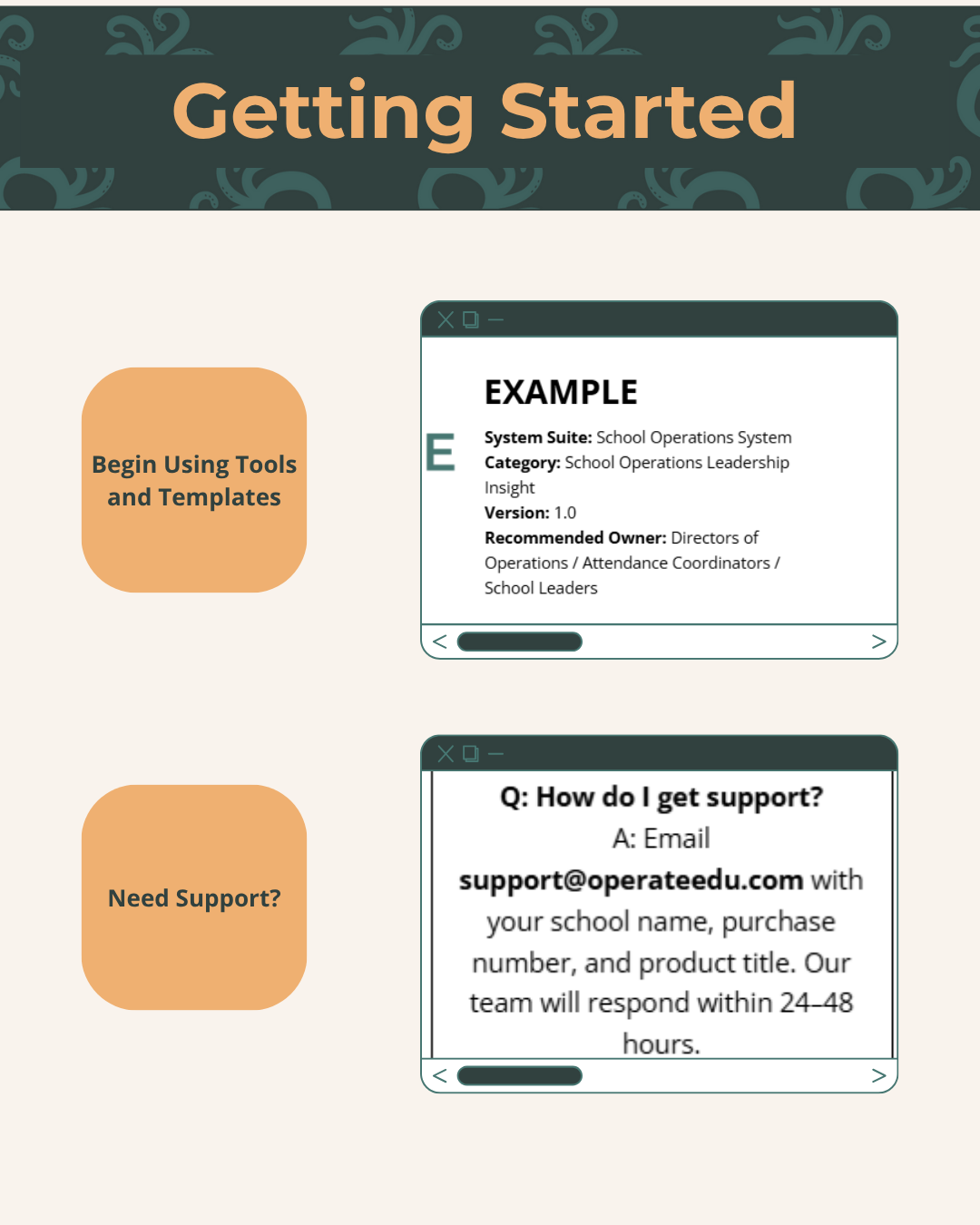
  • Step 1 — Purchase & Download
    After checkout, you’ll receive a Google Workspace access dashboard pdf with all included tools.

    Step 2 — Click “Use Template” or “Make a Copy”
    Open your preferred file (Docs, Sheets, or Slides) and click “Use Template” or “Make a Copy” to create your school’s version.

    Step 3 — Save to Your Shared Drive
    Store your copied file in a shared Google Drive folder for your team to collaborate.

    Step 4 — Put It Into Action
    Start using your new system! Every OperateEDU tool includes guidance and example data to help you get started fast.