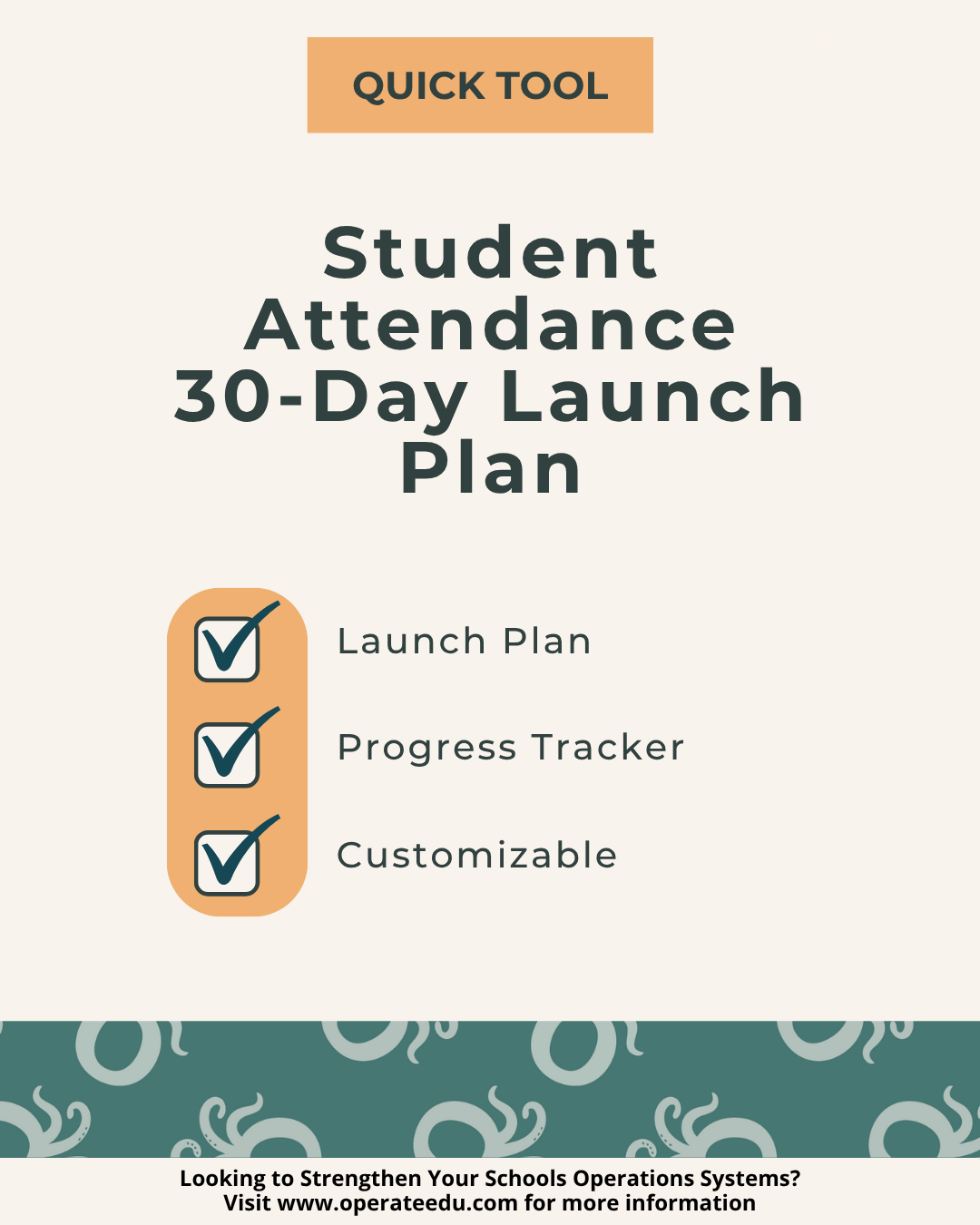
Student Attendance 30-Day Launch Plan for K–12 Schools
Sale Price: $15.00 Original Price: $19.00

The Student Attendance 30-Day Launch Plan is an implementation-ready roadmap designed to help K–12 schools move from attendance system setup to steady, sustainable daily operations in just four weeks.

Built for schools launching a new attendance system — or relaunching one mid-year — this Quick Tool provides a clear, week-by-week plan that aligns people, tools, training, and data review without overwhelming your team. Instead of piecing together timelines and responsibilities, you’ll follow a structured launch rhythm that ensures nothing critical gets skipped.

This tool is ideal for operations leaders who need clarity, accountability, and momentum — fast.

Recommended Owner:
Operations Coordinator, Director of Operations, School Operations Manager

System Alignment:
Student Attendance System Suite

What This Launch Plan Helps You Do

  • Launch or relaunch an attendance system with confidence

  • Assign clear ownership across attendance roles

  • Train staff without overloading schedules

  • Validate data accuracy early (before audits or compliance issues)

  • Transition from setup to sustainable, repeatable routines

What’s Included

This Quick Tool includes two coordinated components:

1. Student Attendance 30-Day Launch Plan

A four-week implementation roadmap that guides your team through:

  • System setup and ownership alignment

  • Staff training and operational rollout

  • Data monitoring, audits, and adjustments

  • Leadership review and sustainability planning

Each week includes clear focus areas, actions, owners, and deliverables.

2. Student Attendance 30-Day Launch Tracker

A companion tracker to:

  • Record actions, owners, and completion dates

  • Monitor progress across all four phases

  • Maintain shared visibility and accountability

  • Reduce last-minute stress during rollout

Implementation Timeline (At a Glance)

  • Week 1: Foundation & Setup

  • Week 2: Training & Launch

  • Week 3: Monitor & Adjust

  • Week 4: Review & Sustain

This structure ensures your attendance system becomes operational — not just installed.

Outcomes

Schools that use this 30-Day Launch Plan consistently achieve:

  • A fully operational attendance system within one month

  • ≥95% attendance data accuracy early in the cycle

  • Clear ownership and accountability across roles

  • A documented sustainability plan for future years

  • Reduced stress during attendance system rollouts

The Student Attendance 30-Day Launch Plan is an implementation-ready roadmap designed to help K–12 schools move from attendance system setup to steady, sustainable daily operations in just four weeks.

Built for schools launching a new attendance system — or relaunching one mid-year — this Quick Tool provides a clear, week-by-week plan that aligns people, tools, training, and data review without overwhelming your team. Instead of piecing together timelines and responsibilities, you’ll follow a structured launch rhythm that ensures nothing critical gets skipped.

This tool is ideal for operations leaders who need clarity, accountability, and momentum — fast.

Recommended Owner:
Operations Coordinator, Director of Operations, School Operations Manager

System Alignment:
Student Attendance System Suite

What This Launch Plan Helps You Do

  • Launch or relaunch an attendance system with confidence

  • Assign clear ownership across attendance roles

  • Train staff without overloading schedules

  • Validate data accuracy early (before audits or compliance issues)

  • Transition from setup to sustainable, repeatable routines

What’s Included

This Quick Tool includes two coordinated components:

1. Student Attendance 30-Day Launch Plan

A four-week implementation roadmap that guides your team through:

  • System setup and ownership alignment

  • Staff training and operational rollout

  • Data monitoring, audits, and adjustments

  • Leadership review and sustainability planning

Each week includes clear focus areas, actions, owners, and deliverables.

2. Student Attendance 30-Day Launch Tracker

A companion tracker to:

  • Record actions, owners, and completion dates

  • Monitor progress across all four phases

  • Maintain shared visibility and accountability

  • Reduce last-minute stress during rollout

Implementation Timeline (At a Glance)

  • Week 1: Foundation & Setup

  • Week 2: Training & Launch

  • Week 3: Monitor & Adjust

  • Week 4: Review & Sustain

This structure ensures your attendance system becomes operational — not just installed.

Outcomes

Schools that use this 30-Day Launch Plan consistently achieve:

  • A fully operational attendance system within one month

  • ≥95% attendance data accuracy early in the cycle

  • Clear ownership and accountability across roles

  • A documented sustainability plan for future years

  • Reduced stress during attendance system rollouts

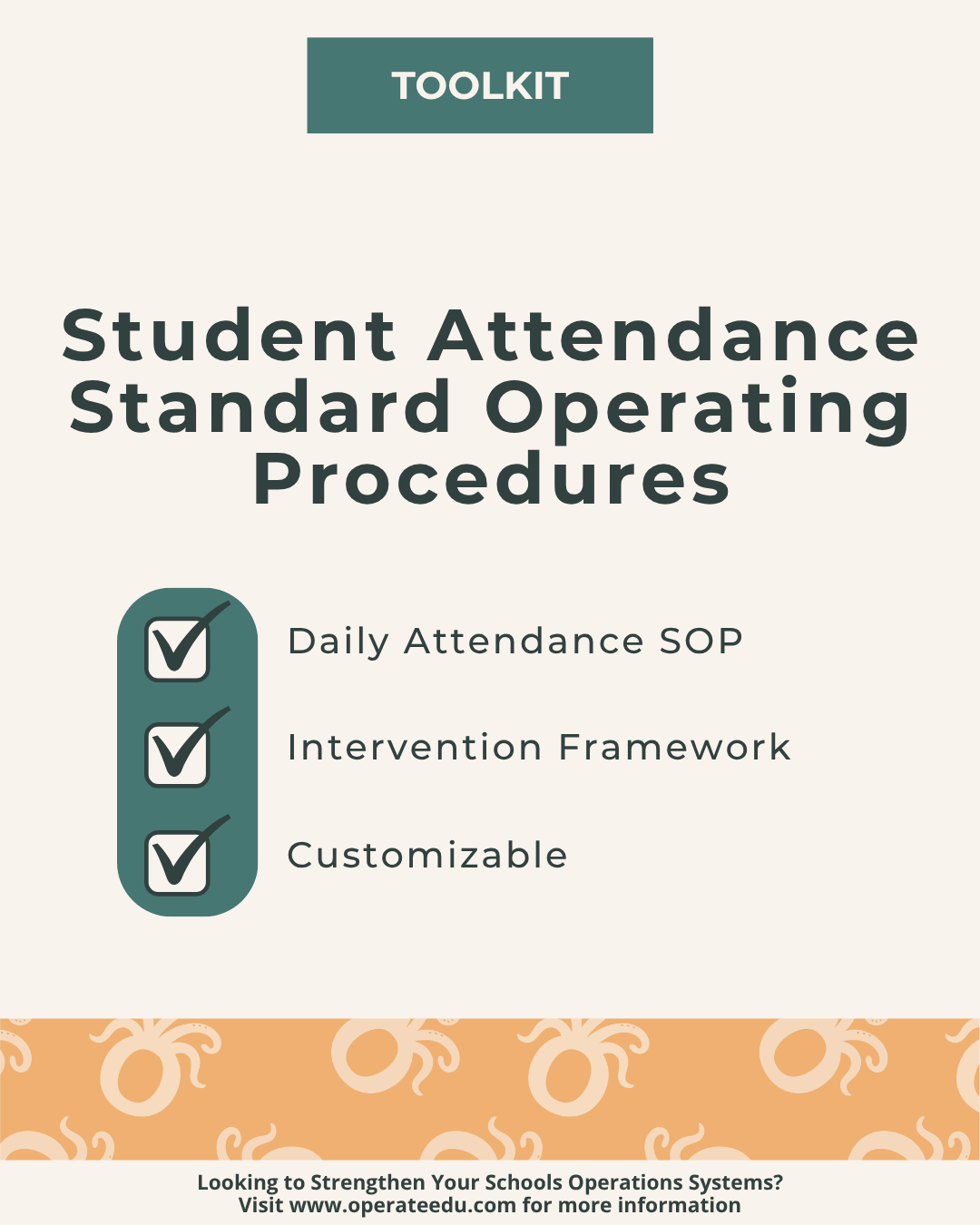
Student Attendance SOP Toolkit for K–12 Schools
Sale Price: $35.00 Original Price: $45.00

Before You Download — Please Note

Built for Google Workspace
All OperateEDU tools are created in Google Docs, Sheets, or Slides.
You’ll need a Google account to access and edit your files.

Downloadable Word and Excel links are included, but not recommended.

Digital Products Only
You’ll receive a digital file link — no physical items will be mailed.

Single-School License
Your purchase grants use within your school or organization only.
Files may not be shared, resold, or distributed externally.

Final Sale Policy
Because our products are digital and immediately accessible, all sales are final and non-refundable.

OperateEDU tools are designed for K–12 operations teams. Basic Google Workspace knowledge is recommended for customization.

After You Download — Please Note

Step 1 — Purchase & Download
After checkout, you’ll receive a Google Workspace access dashboard pdf with all included tools.

Step 2 — Click “Use Template” or “Make a Copy”
Open your preferred file (Docs, Sheets, or Slides) and click “Use Template” or “Make a Copy” to create your school’s version.

Step 3 — Save to Your Shared Drive
Store your copied file in a shared Google Drive folder for your team to collaborate.

Step 4 — Put It Into Action
Start using your new system! Every OperateEDU tool includes guidance and example data to help you get started fast.