Student Attendance Staff Action Checklist for K–12 Schools
$0.00

The Student Attendance Staff Action Checklist is a free, role-based tool designed to help K–12 schools run accurate, calm, and compliant daily attendance routines.

Built for Attendance Coordinators and Operations Managers, this checklist clarifies who does what — and by when — so attendance submissions, verifications, and family outreach happen consistently every day. The result is stronger ADA accuracy, clearer accountability across staff, and fewer last-minute corrections or compliance risks.

This tool supports your entire attendance flow, from teacher submission to front office logging to leadership review — without adding complexity or extra meetings.

Recommended Owner:
Attendance Coordinator / Operations Manager

System Alignment:
Student Attendance System Suite

What This Checklist Helps You Do

  • Ensure daily attendance is submitted and verified on time

  • Reduce missed submissions and follow-up gaps

  • Maintain accurate ADA data in your SIS

  • Clarify staff roles across attendance tasks

  • Create a calm, repeatable attendance routine

What’s Inside

  • A Daily Attendance Action Checklist organized by time, role, and task

  • Clear expectations for teachers, front office staff, ops coordinators, and leaders

  • Built-in quality standards for submission, verification, and outreach

  • Equity & accessibility review prompts for family communication

  • Guidance for daily use and weekly leadership review

Outcomes

When used consistently, this checklist helps schools:

  • Achieve high ADA accuracy

  • Reduce attendance-related errors and rework

  • Improve documentation of family outreach

  • Identify attendance barriers earlier

  • Lead attendance systems with confidence and clarity

The Student Attendance Staff Action Checklist is a free, role-based tool designed to help K–12 schools run accurate, calm, and compliant daily attendance routines.

Built for Attendance Coordinators and Operations Managers, this checklist clarifies who does what — and by when — so attendance submissions, verifications, and family outreach happen consistently every day. The result is stronger ADA accuracy, clearer accountability across staff, and fewer last-minute corrections or compliance risks.

This tool supports your entire attendance flow, from teacher submission to front office logging to leadership review — without adding complexity or extra meetings.

Recommended Owner:
Attendance Coordinator / Operations Manager

System Alignment:
Student Attendance System Suite

What This Checklist Helps You Do

  • Ensure daily attendance is submitted and verified on time

  • Reduce missed submissions and follow-up gaps

  • Maintain accurate ADA data in your SIS

  • Clarify staff roles across attendance tasks

  • Create a calm, repeatable attendance routine

What’s Inside

  • A Daily Attendance Action Checklist organized by time, role, and task

  • Clear expectations for teachers, front office staff, ops coordinators, and leaders

  • Built-in quality standards for submission, verification, and outreach

  • Equity & accessibility review prompts for family communication

  • Guidance for daily use and weekly leadership review

Outcomes

When used consistently, this checklist helps schools:

  • Achieve high ADA accuracy

  • Reduce attendance-related errors and rework

  • Improve documentation of family outreach

  • Identify attendance barriers earlier

  • Lead attendance systems with confidence and clarity

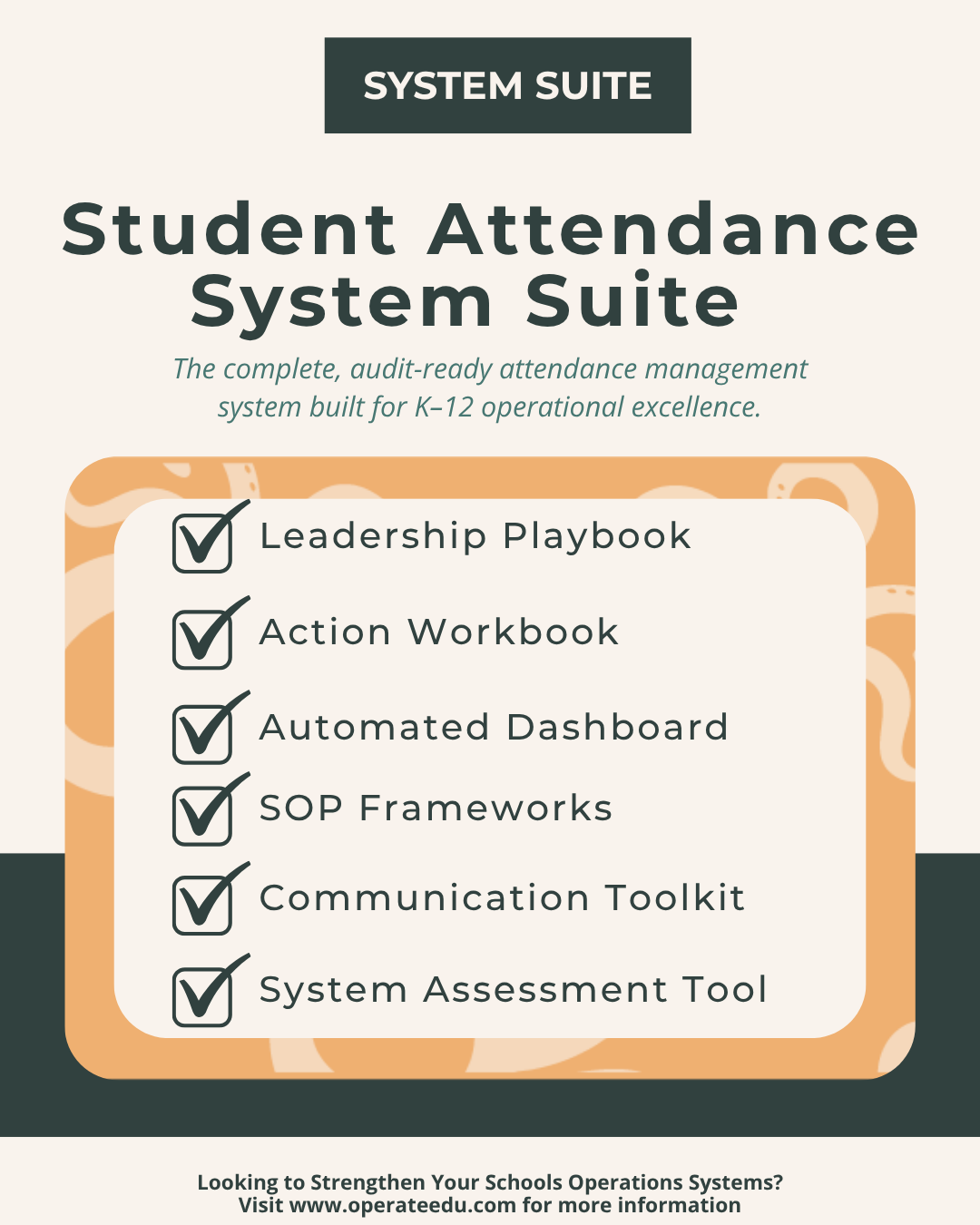
Student Attendance System Suite for K–12 Schools
Sale Price: $115.00 Original Price: $150.00
  • Built for Google Workspace
    All OperateEDU tools are created in Google Docs, Sheets, or Slides.
    You’ll need a Google account to access and edit your files.

    Downloadable Word and Excel links are included, but not recommended.

    Digital Products Only
    You’ll receive a digital file link — no physical items will be mailed.

    Single-School License
    Your purchase grants use within your school or organization only.
    Files may not be shared, resold, or distributed externally.

    Final Sale Policy
    Because our products are digital and immediately accessible, all sales are final and non-refundable.

    OperateEDU tools are designed for K–12 operations teams. Basic Google Workspace knowledge is recommended for customization.

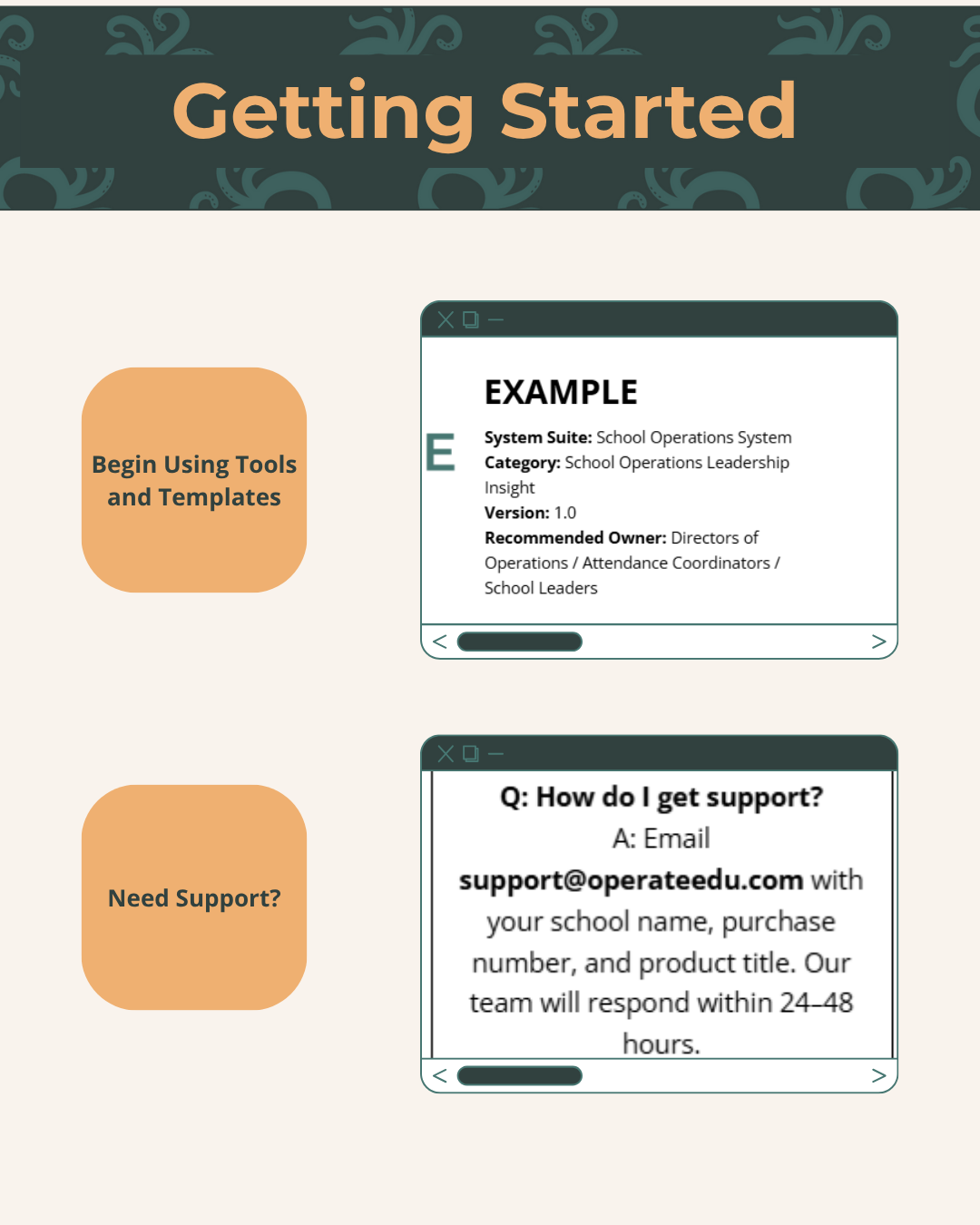
  • Step 1 — Purchase & Download
    After checkout, you’ll receive a Google Workspace access dashboard pdf with all included tools.

    Step 2 — Click “Use Template” or “Make a Copy”
    Open your preferred file (Docs, Sheets, or Slides) and click “Use Template” or “Make a Copy” to create your school’s version.

    Step 3 — Save to Your Shared Drive
    Store your copied file in a shared Google Drive folder for your team to collaborate.

    Step 4 — Put It Into Action
    Start using your new system! Every OperateEDU tool includes guidance and example data to help you get started fast.