Attendance Intervention & Family Meeting Templates for K–12 Schools
Sale Price: $12.00 Original Price: $15.00

The Attendance Intervention & Meeting Guidance Templates are implementation-ready tools designed to help K–12 schools lead structured, equitable, and effective Tier 2 and Tier 3 attendance meetings with families.

Instead of improvised conversations or compliance-driven meetings, this Quick Tool provides clear scripts, preparation checklists, and documentation templates that support partnership, clarity, and follow-through. Each component is built to help staff lead attendance meetings with confidence — while centering empathy, data accuracy, and shared problem-solving.

This tool is ideal for schools looking to improve attendance outcomes without damaging family trust.

Recommended Owner:
Attendance Coordinator, Operations Manager, Counselor, Dean of Students

System Alignment:
Student Attendance System Suite

What This Tool Helps You Do

  • Lead consistent Tier 2 and Tier 3 attendance meetings

  • Prepare staff with clear roles, data, and talking points

  • Shift attendance meetings from punitive to partnership-based

  • Identify barriers and co-create realistic support plans

  • Document decisions, follow-ups, and next steps accurately

What’s Included

This Quick Tool includes three integrated templates:

1. Attendance Intervention Meeting Script & Checklist

A step-by-step meeting flow with sample language to guide:

  • Framing the conversation with empathy

  • Reviewing attendance data clearly

  • Listening to family perspective

  • Identifying barriers and solutions

  • Confirming shared action plans

2. Attendance Pre-Meeting Planning Agenda (Tier 2–3)

A staff-only preparation tool to:

  • Review data and trends in advance

  • Align on tone, goals, and roles

  • Anticipate barriers and supports

  • Prevent misalignment during the meeting

3. Student Attendance Intervention Meeting Template

A structured documentation form to:

  • Capture attendance snapshots and family input

  • Record barriers and agreed-upon supports

  • Track follow-up dates and responsibilities

  • Maintain compliance-ready records

Outcomes

Schools using these templates consistently report:

  • More productive, calm attendance meetings

  • Stronger family relationships and trust

  • Clearer follow-through after meetings

  • Reduced repeat interventions

  • Better alignment across attendance teams

The Attendance Intervention & Meeting Guidance Templates are implementation-ready tools designed to help K–12 schools lead structured, equitable, and effective Tier 2 and Tier 3 attendance meetings with families.

Instead of improvised conversations or compliance-driven meetings, this Quick Tool provides clear scripts, preparation checklists, and documentation templates that support partnership, clarity, and follow-through. Each component is built to help staff lead attendance meetings with confidence — while centering empathy, data accuracy, and shared problem-solving.

This tool is ideal for schools looking to improve attendance outcomes without damaging family trust.

Recommended Owner:
Attendance Coordinator, Operations Manager, Counselor, Dean of Students

System Alignment:
Student Attendance System Suite

What This Tool Helps You Do

  • Lead consistent Tier 2 and Tier 3 attendance meetings

  • Prepare staff with clear roles, data, and talking points

  • Shift attendance meetings from punitive to partnership-based

  • Identify barriers and co-create realistic support plans

  • Document decisions, follow-ups, and next steps accurately

What’s Included

This Quick Tool includes three integrated templates:

1. Attendance Intervention Meeting Script & Checklist

A step-by-step meeting flow with sample language to guide:

  • Framing the conversation with empathy

  • Reviewing attendance data clearly

  • Listening to family perspective

  • Identifying barriers and solutions

  • Confirming shared action plans

2. Attendance Pre-Meeting Planning Agenda (Tier 2–3)

A staff-only preparation tool to:

  • Review data and trends in advance

  • Align on tone, goals, and roles

  • Anticipate barriers and supports

  • Prevent misalignment during the meeting

3. Student Attendance Intervention Meeting Template

A structured documentation form to:

  • Capture attendance snapshots and family input

  • Record barriers and agreed-upon supports

  • Track follow-up dates and responsibilities

  • Maintain compliance-ready records

Outcomes

Schools using these templates consistently report:

  • More productive, calm attendance meetings

  • Stronger family relationships and trust

  • Clearer follow-through after meetings

  • Reduced repeat interventions

  • Better alignment across attendance teams

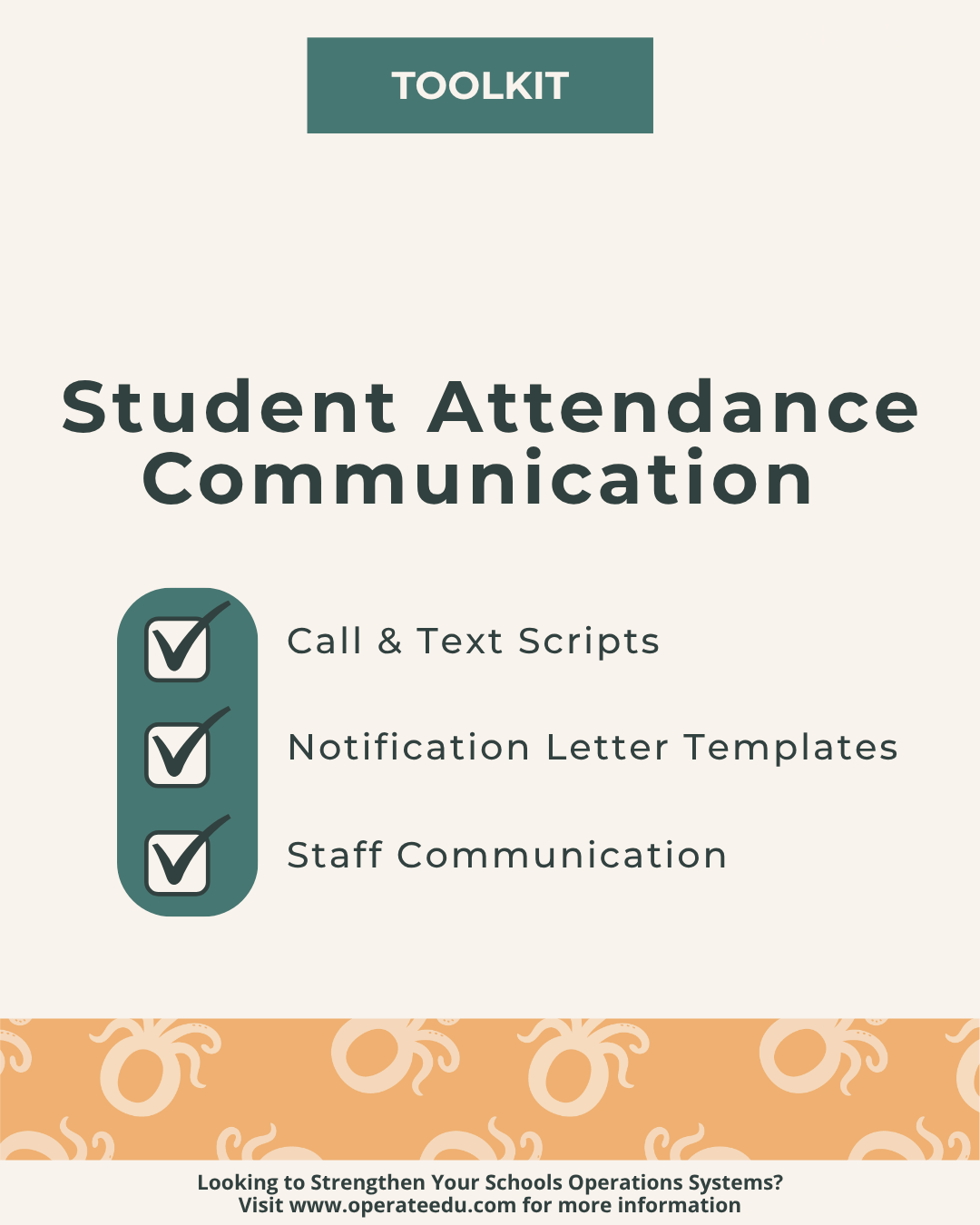
Student Attendance Communication Toolkit for K–12 Schools
Sale Price: $30.00 Original Price: $40.00
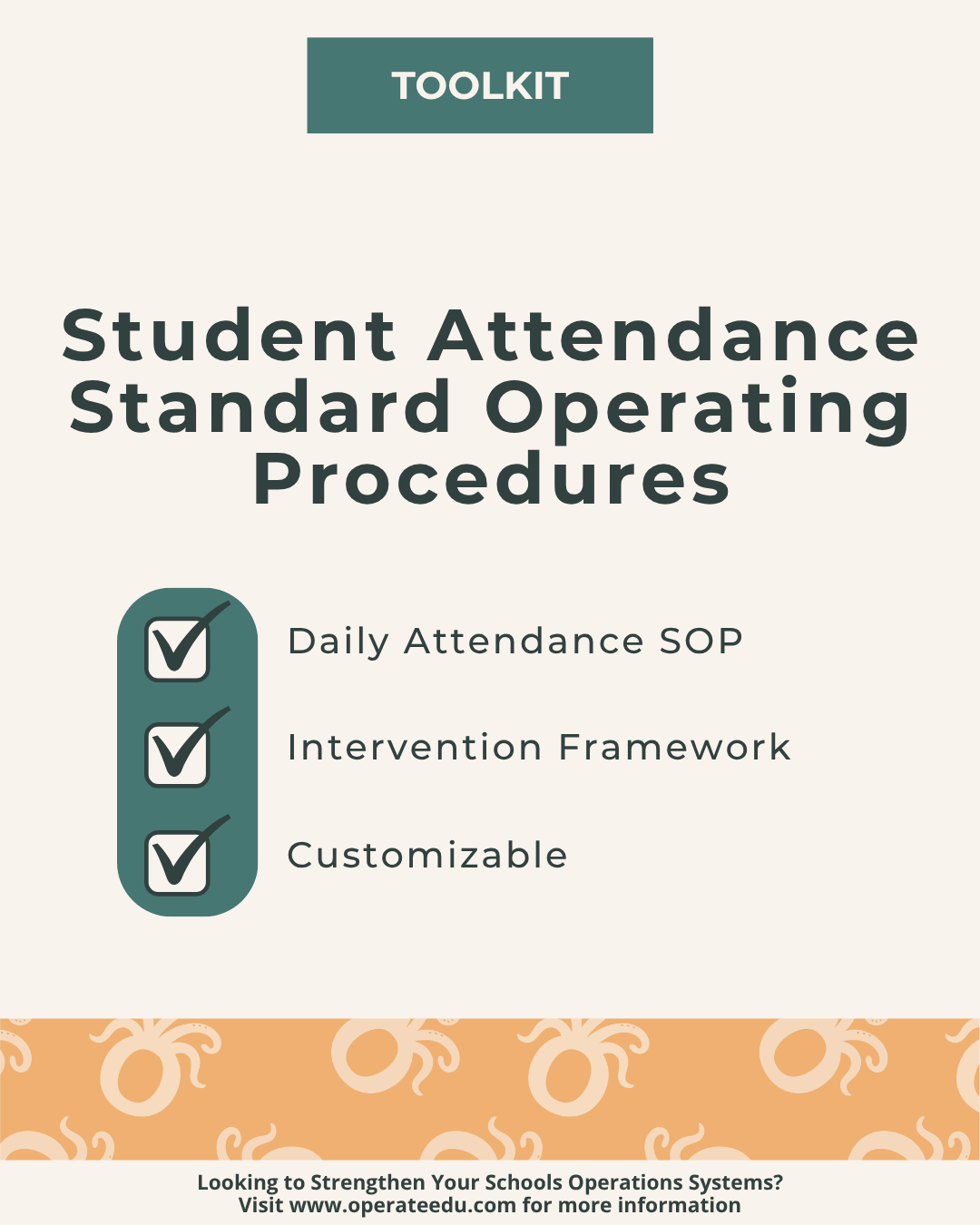
Student Attendance SOP Toolkit for K–12 Schools
Sale Price: $35.00 Original Price: $45.00

Before You Download — Please Note

Built for Google Workspace
All OperateEDU tools are created in Google Docs, Sheets, or Slides.
You’ll need a Google account to access and edit your files.

Downloadable Word and Excel links are included, but not recommended.

Digital Products Only
You’ll receive a digital file link — no physical items will be mailed.

Single-School License
Your purchase grants use within your school or organization only.
Files may not be shared, resold, or distributed externally.

Final Sale Policy
Because our products are digital and immediately accessible, all sales are final and non-refundable.

OperateEDU tools are designed for K–12 operations teams. Basic Google Workspace knowledge is recommended for customization.

After You Download — Please Note

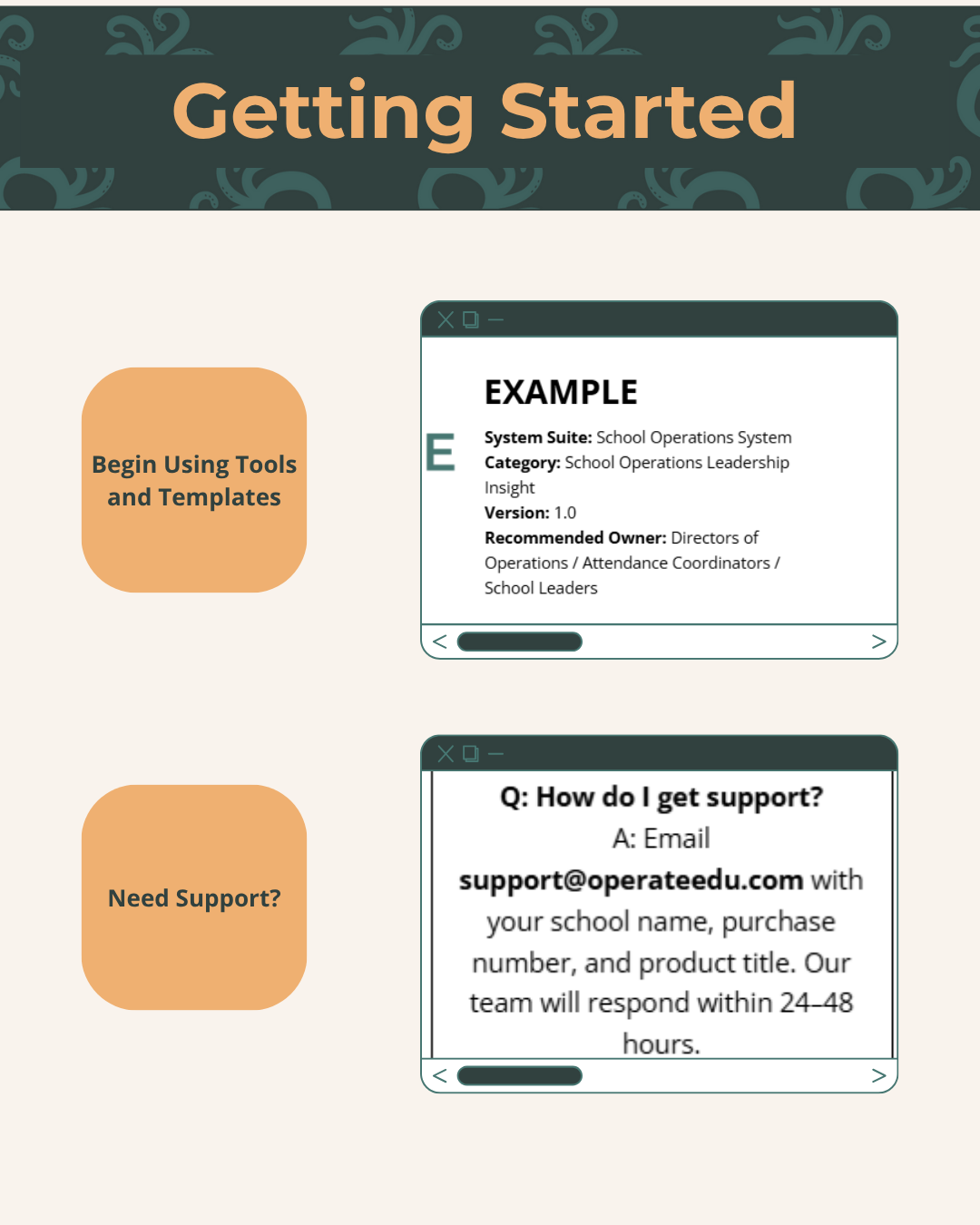
Step 1 — Purchase & Download
After checkout, you’ll receive a Google Workspace access dashboard pdf with all included tools.

Step 2 — Click “Use Template” or “Make a Copy”
Open your preferred file (Docs, Sheets, or Slides) and click “Use Template” or “Make a Copy” to create your school’s version.

Step 3 — Save to Your Shared Drive
Store your copied file in a shared Google Drive folder for your team to collaborate.

Step 4 — Put It Into Action
Start using your new system! Every OperateEDU tool includes guidance and example data to help you get started fast.